Recharge Failed
Recharge Failure / Deposit Failure (Note: Ghana's currency symbol is GHS)
User reports that the deposit has not been credited
Guide the user step by step in three separate messages: ① Ask the user to provide their registered phone number ② Script asking them to send the deposit receipt image ③ Script showing an example screenshot of the bank debit receipt (use the existing standard script)
For deposit failures, first go to the Ghana admin panel, search for the corresponding user and look up the corresponding order number, and identify which payment channel it is
If the phone number cannot be found in the admin panel ❌ or there is no matching ❌ order, ask the user to provide the correct phone number ✅
Antspay Channel
The deposit record shows the channel as Antspay
Format for sending to the internal customer service group
⬇️⬇️⬇️⬇️⬇️⬇️⬇️⬇️⬇️⬇️
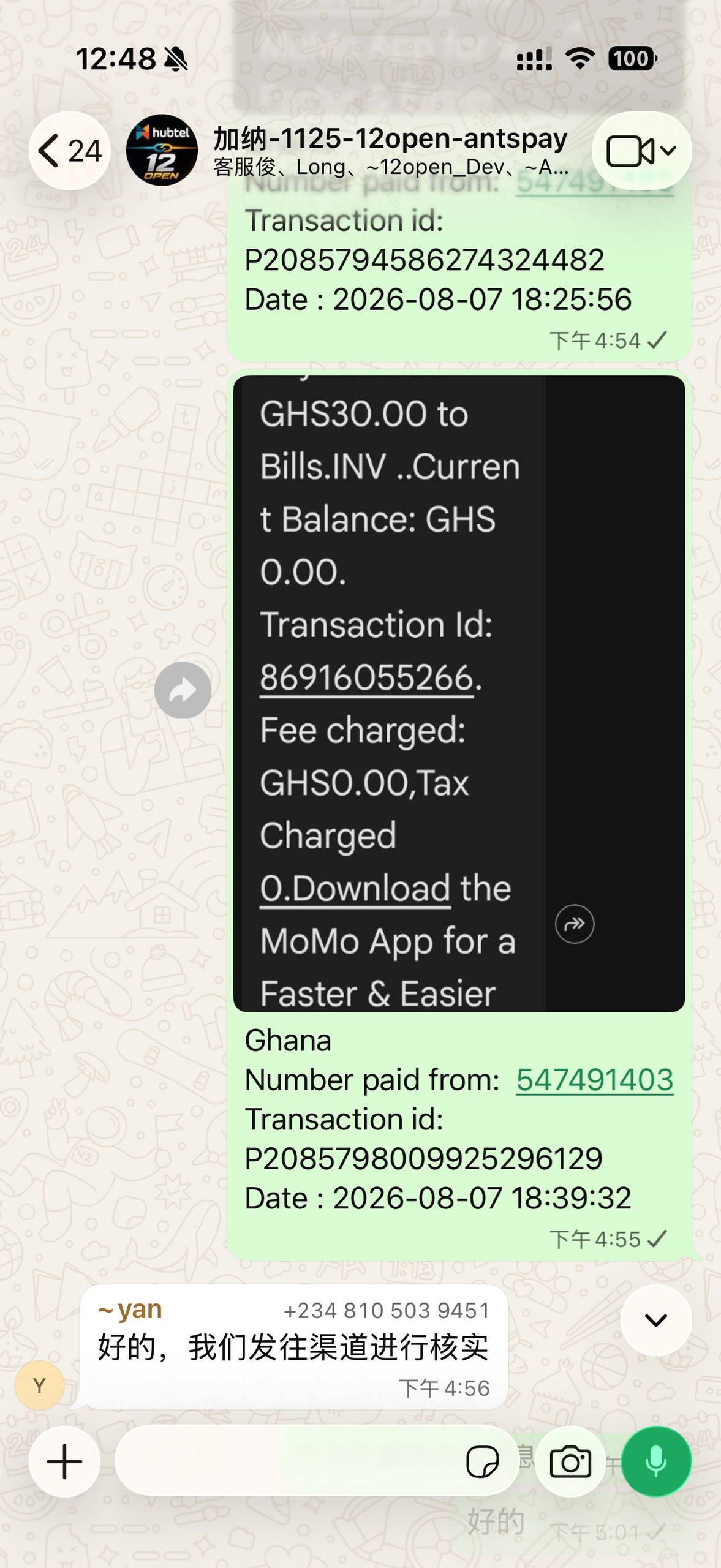
Find the Antspay WhatsApp group and send the message in that group
Step 1: Based on the information in the debit screenshot, locate the order in the Ghana admin panel that matches the user's deposit record
Step 2:
【Bank SMS screenshot 🗺️】
Ghana
Number paid from: 547491403
Transaction id: P2085798009925296129
Date : 2026-08-07 18:39:32
⚠️Note
The ID starts with "P"
Copy the deposit time as the time
Kowri Channel
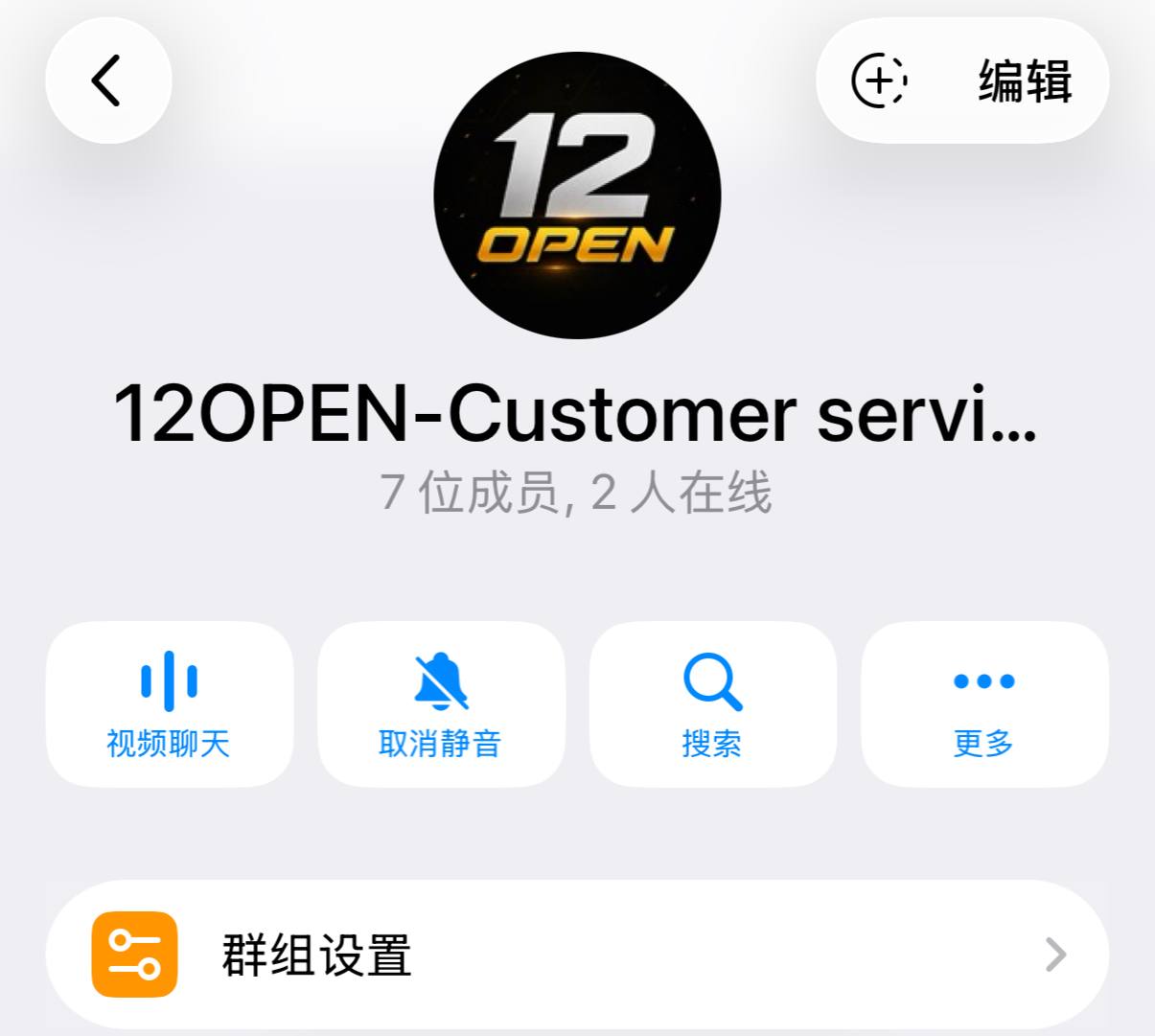
The deposit record shows the channel as Kowri
Format for sending to the internal customer service group
⬇️⬇️⬇️⬇️⬇️⬇️⬇️⬇️⬇️⬇️
【Bank SMS screenshot 🗺️】
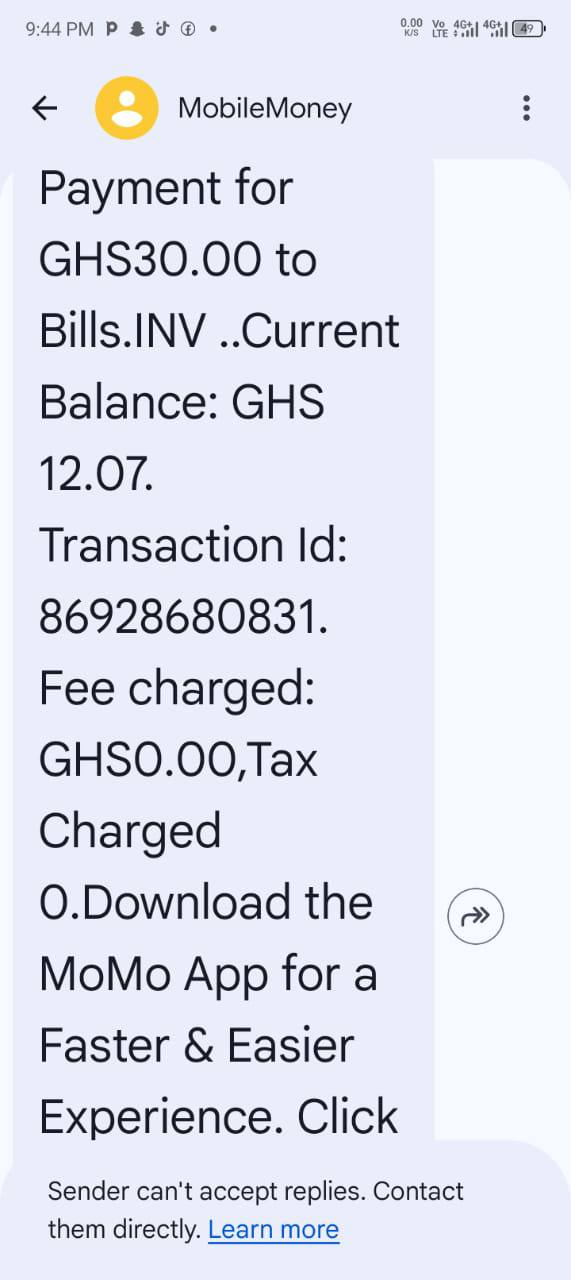
Subject: Deposit not yet credited (Gh)kowri
Phone number: 247830393
Order number: CZO817146377883615232
Amount: 30
Time: 2026-08-08 05:58:12